This changelog lists every user-facing change to Tangence, newest first, since Forge was renamed Tangence on November 19, 2026. Each entry is dated and says what you can do now. Follow it with the Atom feed at https://tangence.app/changelog.xml; what comes next is on the roadmap.
Your GitHub repositories, next to your tasks
You can now connect GitHub repositories to a project and read their code in Tangence. It shows what is pushed to GitHub, labelled with the branch, the commit and how long ago it was made. A file is read from GitHub only when you open it: Tangence never stores your code and can't change it. The privacy policy lists what it keeps.
Connecting
- Connect one or more repositories on the project's Repositories page in Settings, through the Tangence app on GitHub. Its access is read-only.
- Everyone in your workspace can browse them. Public share links never show code.
- Disconnect a repository on the same page, or uninstall the app on GitHub, at any time.
Browsing
- The title of the editor's left pane is now a menu: Docs, then each connected repository.
- A branch menu, a file tree, and files you can read but not edit, with previews for Markdown, HTML and SVG.
- Open on GitHub and Copy path on every file.
- When you push, the label moves to the new commit on its own.
Tasks and files
- New task about this file, or link the file to a task you already have.
- Type @ while you write a task to attach a file from a repository.
- A linked file renamed on the default branch keeps its link. A deleted one is marked on the task.
- Tangence Chat sees your repositories' file paths, never their contents, so it can attach files to the tasks it creates or updates.
Email confirmation, safer invites and the legal pages
New accounts get an email to confirm their address. An invitation to a project now opens only once that address is confirmed, and only for the person it was sent to. The privacy policy, the terms and the security page are live.
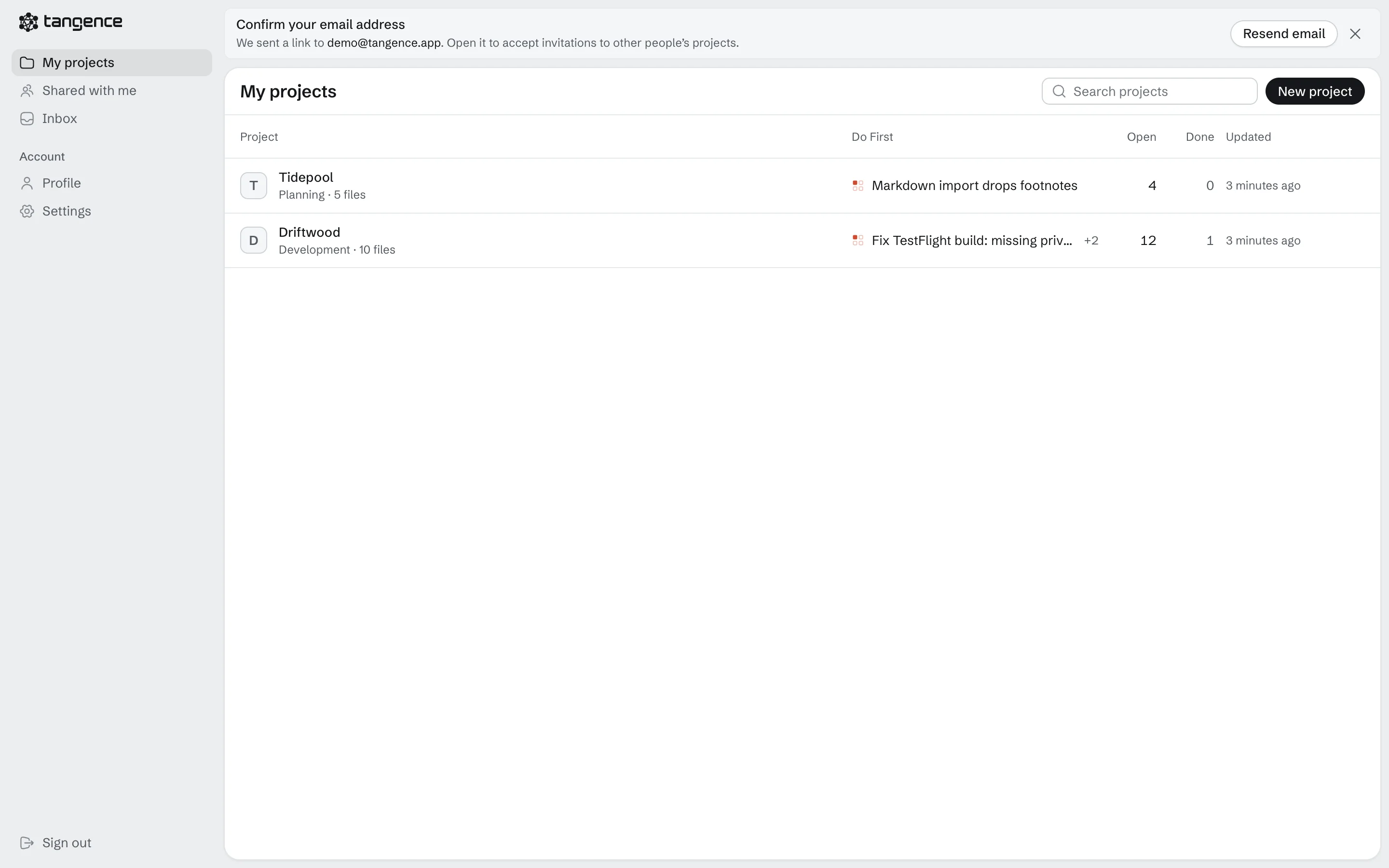
Security
- Sign-in is rate-limited.
- Finding a collaborator to invite takes their exact email address, so a partial search shows nobody's address.
- Invitation emails carry the Tangence name, and their links only ever lead back to tangence.app.
- Deleting a project now deletes everything in it: its chats, its change history and its invitations.
Legal pages
- A privacy policy that names every service your data goes through.
- Terms of service, with the trial, the founding price and refunds written out.
- A security page, and a security.txt so researchers know where to report a problem.
Fixes
- A long email address wraps at the edge of its box instead of breaking mid-word.
A new workspace for your docs
I rebuilt the workspace where your docs and mockups live, so moving between files feels like an editor instead of a list of pages.
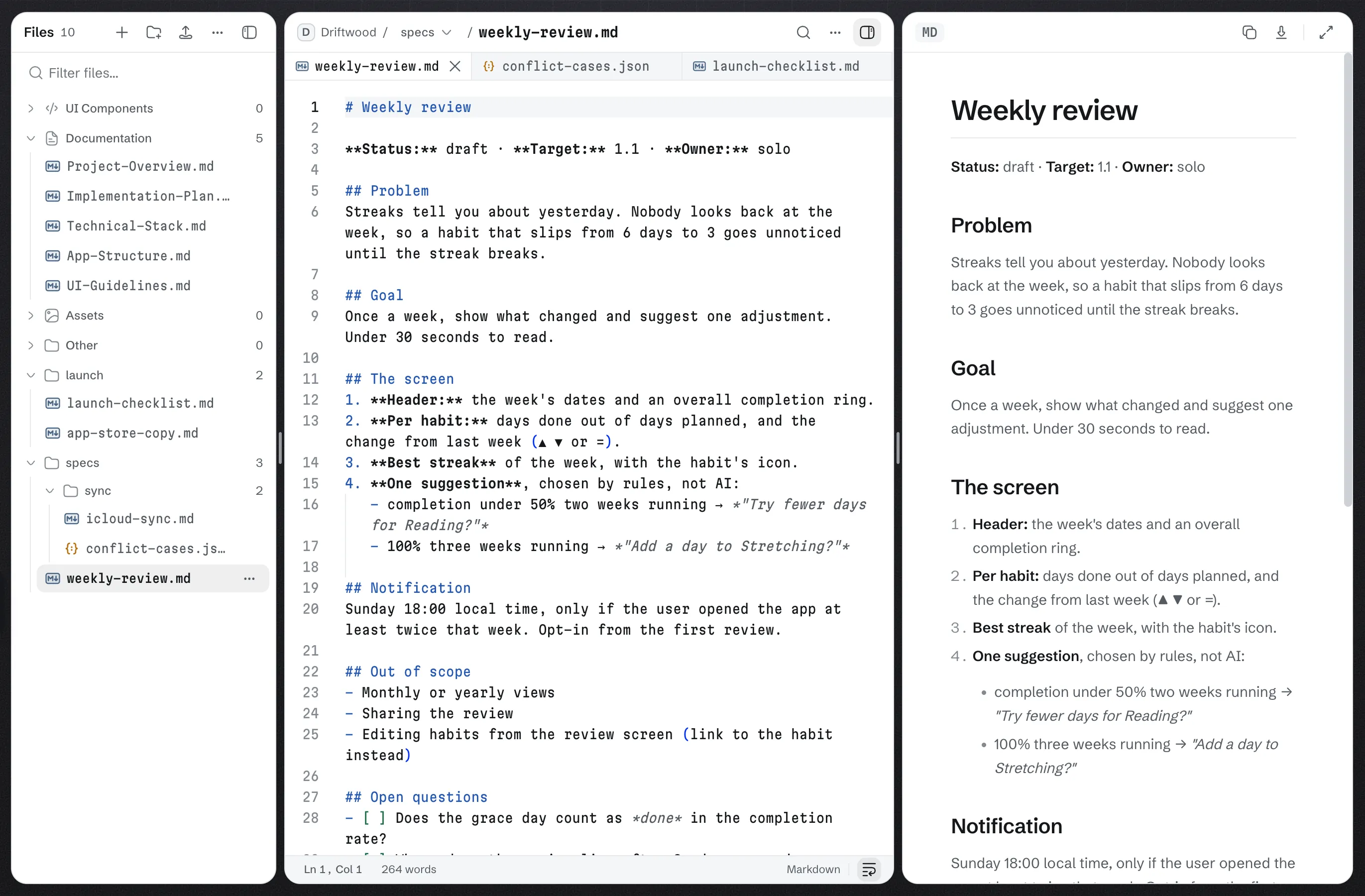
Workspace
- Tabs, quick open and autosave.
- Nested folders, with files you can drag from one folder to another.
- An icon for each file type, and previews for JSON and SVG files.
Editor
- Tangence's own light and dark themes.
- A find-and-replace bar.
- Text selection that works on a phone.
One screen to sign in or sign up
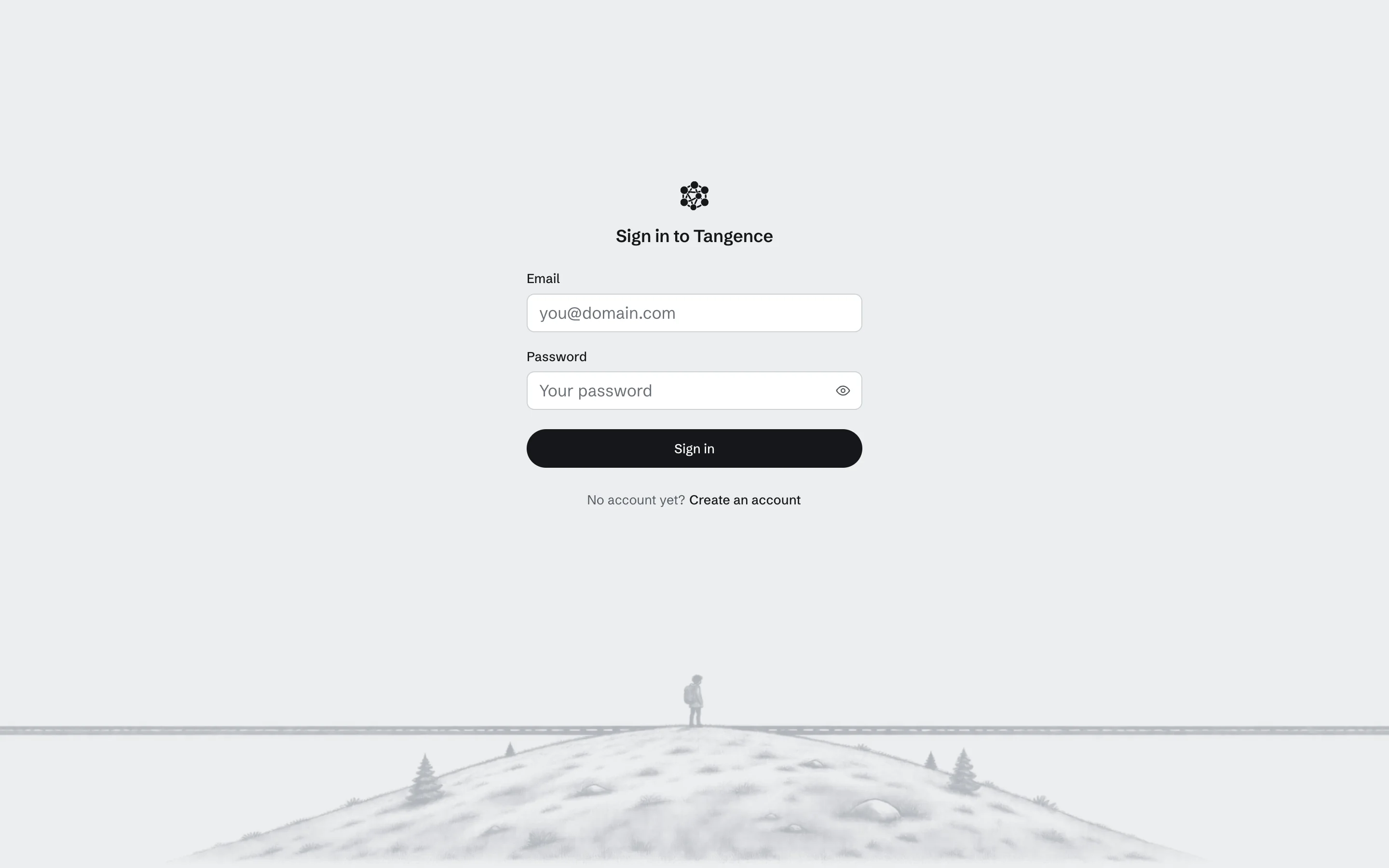
Signing in and creating an account now happen on the same screen, rebuilt on the new design system.
A contact form on the home page
The home page has a contact form that works without JavaScript, so you can reach me from any browser.
Home page
- The questions open one at a time.
- After you press Sort in the demo, the sorted matrix scrolls into view, and you can open each task to read its details.
- A new footer, with a hill and the tangent road.
Forge becomes Tangence
Forge has a new name, a new logo and a new home at tangence.app. The home page shows the idea in one click: a dozen captured tasks sort themselves into an Eisenhower matrix.
What opened
- The waitlist, with the founding price for everyone who joins before December 7, 2026.
- Early-access codes for the first testers.
- The home page questions and answers.
Design
- The dashboard is the first screen rebuilt on Tangence's design system.
- New icons across the app, and a new favicon and app icon.
Tangence starts as Forge
I start building Forge, a tool to manage the docs and tasks behind my own apps. The story is on the about page.
What comes next
Shipped work lands here first. What I'm building now, and in what order, is on the Tangence roadmap.